

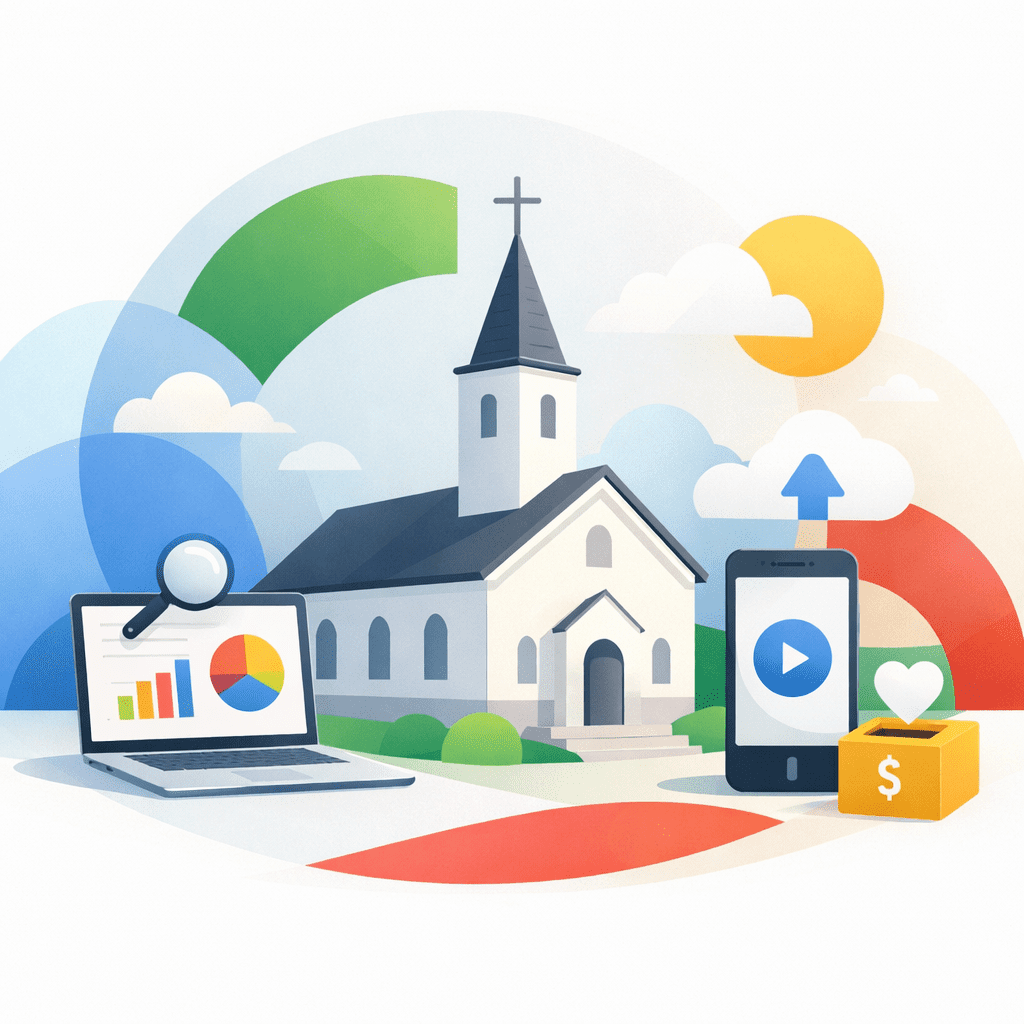
Google for Nonprofits is a free program that gives eligible churches access to powerful tools like Google Ad Grants, Workspace discounts, and other nonprofit benefits. For churches with 501(c)(3) status, it can significantly reduce technology costs while expanding online reach and visibility.
Understanding how the program works—and what discounts actually matter—helps churches avoid missed opportunities and stay compliant.
Many churches begin by reviewing nonprofit services for churches to ensure their structure and systems support long-term growth.
How does Google for Nonprofits work for churches?
Google for Nonprofits is designed to support registered nonprofit organizations, including churches that meet eligibility requirements. Once approved, churches gain access to a suite of tools that support communication, marketing, and administration.
The most well-known benefit is Google Ad Grants, which provides in-kind advertising credit for Google Search ads. Churches can also unlock discounted or free access to tools they may already be using.
- Google Ad Grants for search-based outreach
- Google Workspace for Nonprofits (email, docs, storage)
- YouTube nonprofit features
- Integration with other nonprofit discounts
These tools are not automatic. Churches must apply, maintain compliance, and actively manage accounts to stay eligible.
How do churches qualify for Google for Nonprofits or Ad Grants?
Eligibility for Google for Nonprofits starts with legal and organizational requirements. Churches must be recognized as a valid nonprofit entity in the United States.
Key qualification requirements typically include:
- Verified 501(c)(3) nonprofit status
- Compliance with Google’s nonprofit policies
- A functional, content-complete website
- Agreement to nondiscrimination policies
For Google Ad Grants specifically, churches must also meet advertising and website quality standards. This is where many applications fail—not because the church is ineligible, but because the website is not structured correctly.
Strong site structure, clear messaging, and basic SEO foundations matter. Reviewing church website design best practices can help churches prepare before applying.
What is Google Ad Grants and how can churches use it?
Google Ad Grants provides qualifying nonprofits with up to $10,000 per month in in-kind Google Search advertising. These ads appear when people search for relevant topics, such as church services, community programs, or prayer support.
For churches, Ad Grants are often used to:
- Promote Easter, Christmas, and special services
- Reach new families moving into the area
- Highlight ministries, classes, or community outreach
- Drive traffic to sermon content or event pages
However, Ad Grants come with ongoing management rules. Churches must maintain click-through rates, use approved keywords, and actively monitor campaigns. Ignoring these requirements can result in account suspension.
What nonprofit discounts should churches look for beyond Google?
Google for Nonprofits is only one part of a broader nonprofit discount ecosystem. Many technology providers offer reduced pricing for churches, but not all discounts are equally valuable.
Churches should prioritize discounts that:
- Reduce recurring monthly costs
- Support core operations (giving, communication, administration)
- Integrate with existing systems
- Do not require complex workarounds
Examples may include discounted payment processing, nonprofit software plans, or reduced fees for digital tools. Each discount should be evaluated for long-term sustainability, not just short-term savings.
Why compliance matters when using nonprofit programs
Nonprofit discounts and grants are not “set it and forget it.” Churches are responsible for ongoing compliance, accurate reporting, and appropriate use.
Common compliance issues include outdated organizational information, inactive accounts, or misuse of advertising credits. These issues can lead to lost access or permanent disqualification.
Establishing clear ownership of nonprofit accounts and regular reviews helps churches protect these benefits.
How should churches decide which nonprofit tools to use?
Not every church needs every nonprofit tool. The best approach is to start with ministry goals, then choose tools that directly support those outcomes.
Questions to ask include:
- Does this tool improve communication or engagement?
- Will it reduce staff workload or complexity?
- Can volunteers realistically manage it?
- Does it integrate with other church systems?
A focused, well-integrated tech stack often outperforms a collection of disconnected discounted tools.
Frequently Asked Questions
Do all churches qualify for Google for Nonprofits?
No. Churches must have valid 501(c)(3) status and meet Google’s eligibility and policy requirements.
Is Google Ad Grants free money?
No. It is in-kind advertising credit that must be actively managed and used according to program rules.
Can small churches use Google for Nonprofits?
Yes. Church size does not determine eligibility, but management capacity and website quality matter.
Do nonprofit discounts apply automatically?
No. Most discounts require applications, verification, and ongoing compliance.
What happens if a church loses compliance?
Access to nonprofit programs or discounts may be suspended or revoked until issues are resolved.
Is Google Workspace included for churches?
Eligible churches may receive free or discounted Google Workspace plans through the program.
Should churches use outside help for Ad Grants?
Some churches choose support due to complexity, but responsibility for compliance always remains with the church.
If your church is evaluating nonprofit programs or wants to simplify how these tools work together, you can explore church technology solutions designed to support sustainable growth.
Get a demo to see how Connect My Church helps churches align nonprofit benefits with real ministry outcomes.