

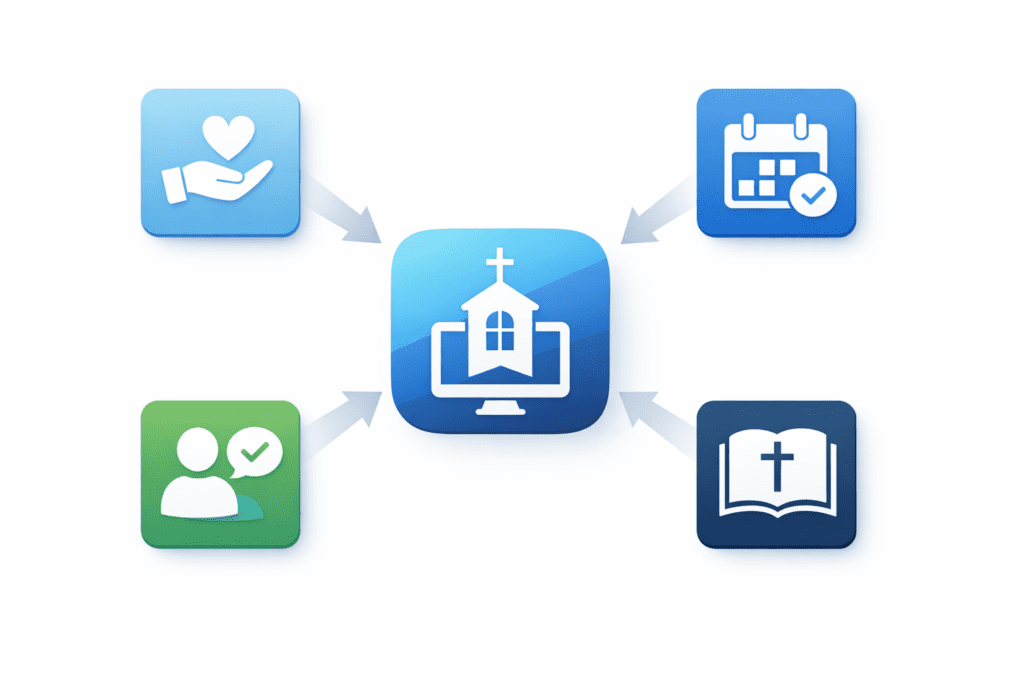
Connect My Church is designed to help churches consolidate key systems into one place—often reducing the need for separate tools across giving, events, follow-up, and sermon content. The best way to evaluate it is to map your current tool stack to your real weekly workflows, then compare what you can simplify without losing what matters most.
If you’re starting from scratch or you’ve outgrown “a bunch of disconnected apps,” begin with an overview of what modern church management software typically includes, then work backward from your ministry priorities.
What is the best way to choose all-in-one church management software?
The best way to choose an all-in-one platform is to evaluate it the same way you evaluate a weekly service plan: start with the outcomes you need, not the features list you’re shown.
- List your non-negotiables by ministry: weekend services, guest follow-up, giving, groups, events, and content.
- Trace a real workflow end-to-end: “A guest visits → fills a card → gets follow-up → joins a group → gives online.” Write down where handoffs break today.
- Inventory every tool you’re paying for: online giving, forms, texting/email, calendar/event registration, sermon hosting, volunteer scheduling, reporting, etc.
- Identify what you want to replace vs. keep: some churches want one system for everything; others want consolidation with a few specialized tools kept.
- Run a 30–60 day test plan: choose 2–3 workflows and validate them with real staff users (not just admins).
Because this post is about what Connect My Church replaces, the most useful mindset is: “Which separate tools can we retire without creating new friction?”
What should a church look for in church management software?
Church management software should support the way your church actually runs—not just how you wish it ran. When you evaluate any platform (including Connect My Church), look for these practical indicators:
- Clarity: staff and volunteers can find what they need quickly (people, notes, tasks, events, giving records, and communications history).
- Consistency: the same data shows up everywhere it should—without duplicate entry and conflicting lists.
- Follow-up that doesn’t depend on heroics: first-time guest steps, pastoral care, and next steps can be done reliably every week.
- Reporting you will actually use: the system should make it easier to answer “What’s happening?” not harder.
- Adoption: if your team won’t use it, it doesn’t matter how powerful it is.
Tip: Ask every department the same question: “If we had to prove this tool helps ministry, what would we measure?” If nobody can answer, you’re likely paying for noise.
What tools can Connect My Church replace in a typical church tech stack?
Most churches don’t have “a tech stack”—they have a patchwork: one tool for giving, another for events, another for messaging, and a folder of spreadsheets for follow-up. The working title of this post highlights four common areas where consolidation can matter most:
- Giving: online giving pages, recurring giving management, and giving-related follow-up.
- Events: event promotion, registration, reminders, and check-in workflows.
- Follow-up: guest capture, next steps, and consistent communication.
- Sermons: organizing sermon content so it’s easy to access and reuse.
How do you tell whether consolidation will help or hurt your church?
Consolidation is helpful when it removes repeated work and improves follow-up consistency. It can hurt when it forces you into a workflow your team won’t adopt. Here are some quick “green lights” and “yellow flags”:
- Green light: you’re double-entering people data across multiple tools.
- Green light: visitors slip through the cracks because follow-up depends on manual steps.
- Green light: reporting takes hours because data lives in different places.
- Yellow flag: you rely on one specialized tool that is mission-critical and deeply customized.
- Yellow flag: your volunteers are already struggling to use the current tools—changing everything at once may backfire.
A practical approach is “consolidate by workflow, not by department.” Pick one workflow (like guest follow-up) and simplify it first, then move to the next.
What replacement evaluation checklist should you use before switching?
Use this checklist to evaluate whether Connect My Church (or any all-in-one option) can replace parts of your current system:
- Giving: Can you replicate your current giving experience and reporting needs?
- Events: Can you run registrations, reminders, and check-ins without extra tools? Explore what “church event management” typically includes.
- Follow-up: Can you define clear next steps for guests and automate/standardize the handoff?
- Sermons/content: Can your team upload, organize, and reuse sermon content with minimal friction?
- Data migration: What must be moved, and what can be archived?
- User roles: Can staff/volunteers access what they need without seeing what they shouldn’t?
If you can’t confidently check off an item, don’t guess—write it down and validate it during a demo or trial. That single discipline prevents most “we switched and regretted it” stories.
Frequently asked questions
Does switching to an all-in-one platform mean we have to replace everything at once?
Not necessarily. Many churches phase changes by workflow—starting with the biggest pain points first, then consolidating over time.
How do we decide which tools to keep even if we consolidate?
Keep tools that are mission-critical, specialized, and already working well—especially if replacing them would disrupt ministry outcomes. Document the reason for each “keep.”
What’s the fastest way to spot duplicate work in our current stack?
Follow one person’s journey (guest → member) and note every time the same info is re-entered or copied into another system.
Is “what it replaces” mostly about saving money?
It can reduce costs, but the bigger win is often consistency: fewer handoffs, fewer missed follow-ups, and clearer reporting.
What should we prepare before a demo?
Bring a list of your current tools, your top 3 broken workflows, and what success would look like in 60 days.
How do we ensure staff and volunteers actually adopt the new system?
Define simple weekly habits (like “every guest gets logged the same day”), train for those habits, and keep workflows short.
What if we’re not sure whether Connect My Church covers a specific need?
Write it down as a test requirement and validate it directly. Avoid assumptions.
Next step: If you want to see whether your current stack can be simplified around Connect My Church, review your options and see pricing, then follow up with the team to Book a demo.